
Three commands to your board.
Install LStack, start it, and open the dashboard. Everything after that, from models to workers to projects, you set up in the app. No account, invitation, or waitlist.
Macs with Apple silicon are supported. Intel Macs aren’t.
- 01
Install
Downloads the latest Public Beta over HTTPS, verifies it, and installs it in your home directory. It doesn’t start LStack.
- 02
Start
Starts LStack. The control plane runs natively on your machine, not in Docker.
- 03
Open the board
Opens the running dashboard in your browser at its configured address. By default that’s
http://127.0.0.1:4700. - Optional
Check readiness
A read-only report: whether LStack is running, the address to open, where projects are stored, and whether Docker, the worker image, and on Linux the worker sandbox are ready. It changes nothing.
What you need, and when.
You can install LStack and use the dashboard straight away. Docker and a model provider come in when you’re ready to run AI workers.
- To install and use the dashboardA supported platform and a terminal.
Create projects, manage tickets, and read local documentation without Docker.
- When you add AI workersDocker, and a model provider.
Docker runs managed workers and container-backed project runtimes. Providers can be local, self-hosted, cloud, or a mix.
- For stack-mode runtimesDocker Compose v2 as well.
Only projects that use stack mode need it.
- A global Node.js install
- A repository checkout
- Root or sudo to install
- An account or invitation
What the installer does.
It’s a shell script you can read before you run it. These are the safeguards it applies, in order.
View install scriptOpens the raw script in a new tab.
- 01Won’t run as root
It refuses to run with root privileges and doesn’t need sudo.
- 02Checks your platform
Unsupported platforms are refused before anything is installed.
- 03Downloads anonymously
The release comes over HTTPS. No GitHub token, account, or other credential is required or sent.
- 04Verifies the release
The download and its SHA-256 checksum are checked before use.
- 05Validates the archive
Its contents are checked before anything is extracted.
- 06Installs transactionally
Everything goes under your home directory. If installation fails, it rolls back.
The rest happens in the app.
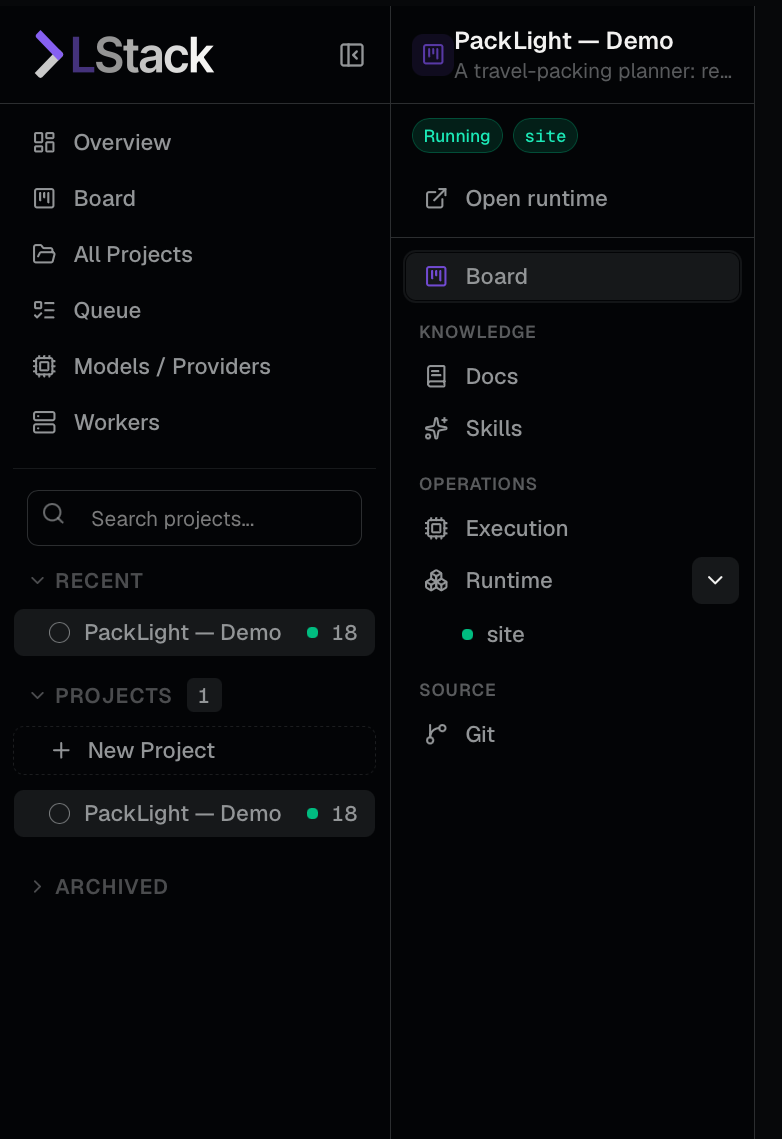
Installing doesn’t configure a model, worker, project, runtime, or LAN access. You set each one up from the dashboard, when you’re ready.
- Choose where projects are stored
- Sign in, or continue without an account
- Connect a model provider
Local, self-hosted, or cloud.
- Prepare the managed worker image
This is where Docker comes in.
- Create workers
And then choose which projects may use them.
- Create or adopt a project
- Add tickets and move ready work to To Do
On Linux, if the worker sandbox needs setting up, lstack setup names the supported lstack setup-confinement command to run.
If something goes wrong.
The installation guide covers most problems. If you’re still stuck, write to us.
- Full steps, requirements, and upgrade notesInstallation guide
- Exactly which systems and architectures are supportedSupported platforms
- Common errors, logs, and support bundlesTroubleshooting and diagnostics
- Still blocked? The team reads every messageContact support
You don’t need these to install. Support may ask for them if something is hard to pin down.
Checks your installation and reports what it finds.
Creates a redacted support bundle on your machine. It uploads nothing, excludes project data and secrets by design, and is yours to review before you decide whether to share it.